First steps
Whether you've chosen to use our cloud-based services or your own deployment, you should first login and acquire your API keys for use in your system.
Login
Visit http://api-test.jlinc.io or the URL you configured in PUBLIC_CORE_URL for local deployments, and login using one of the available authentication modules.
Dashboard
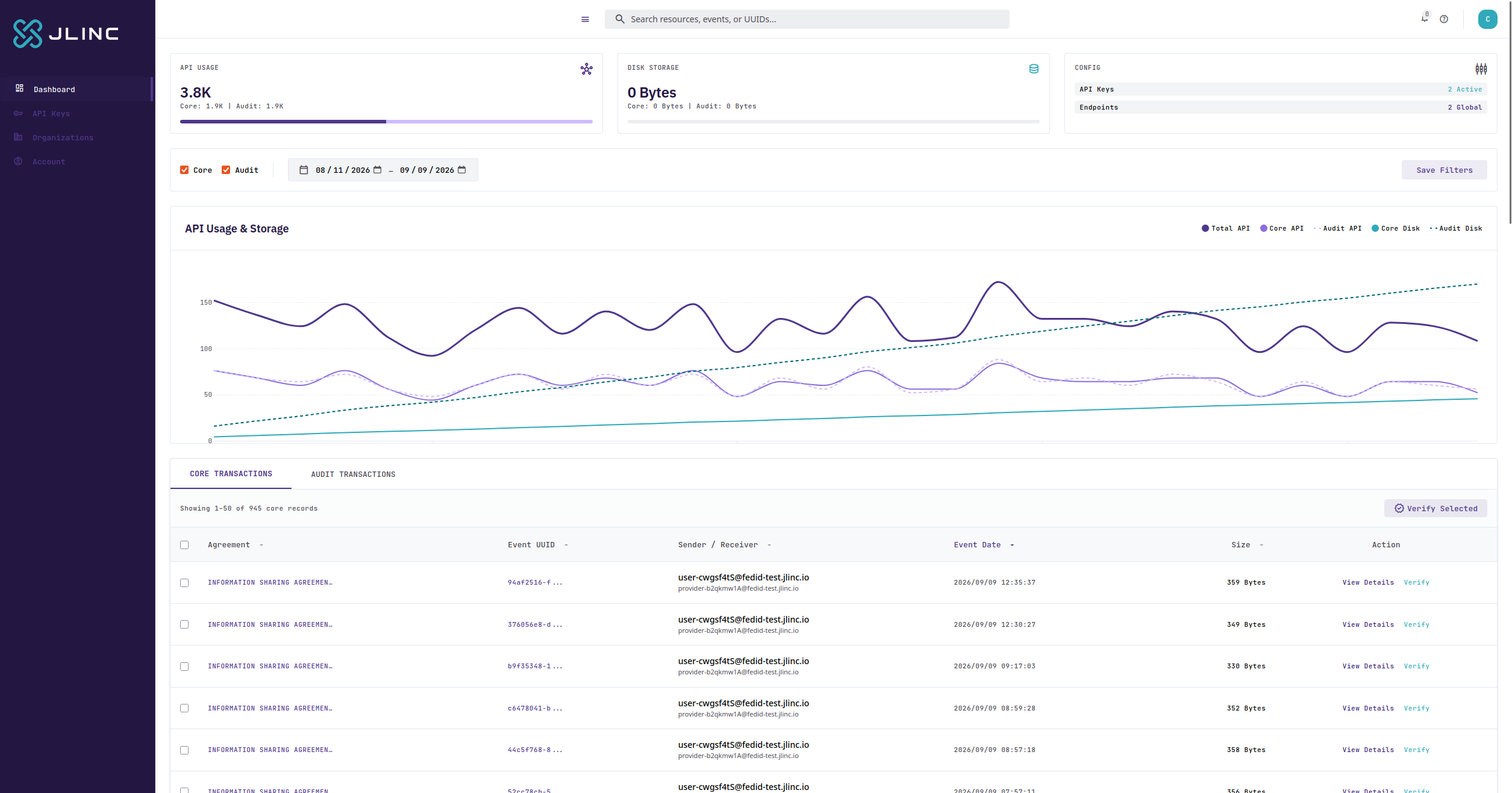
Once logged in, you will be greeted with a dashboard where you will be able to see your usage, data exchanges, and verify data with audit records.
API keys
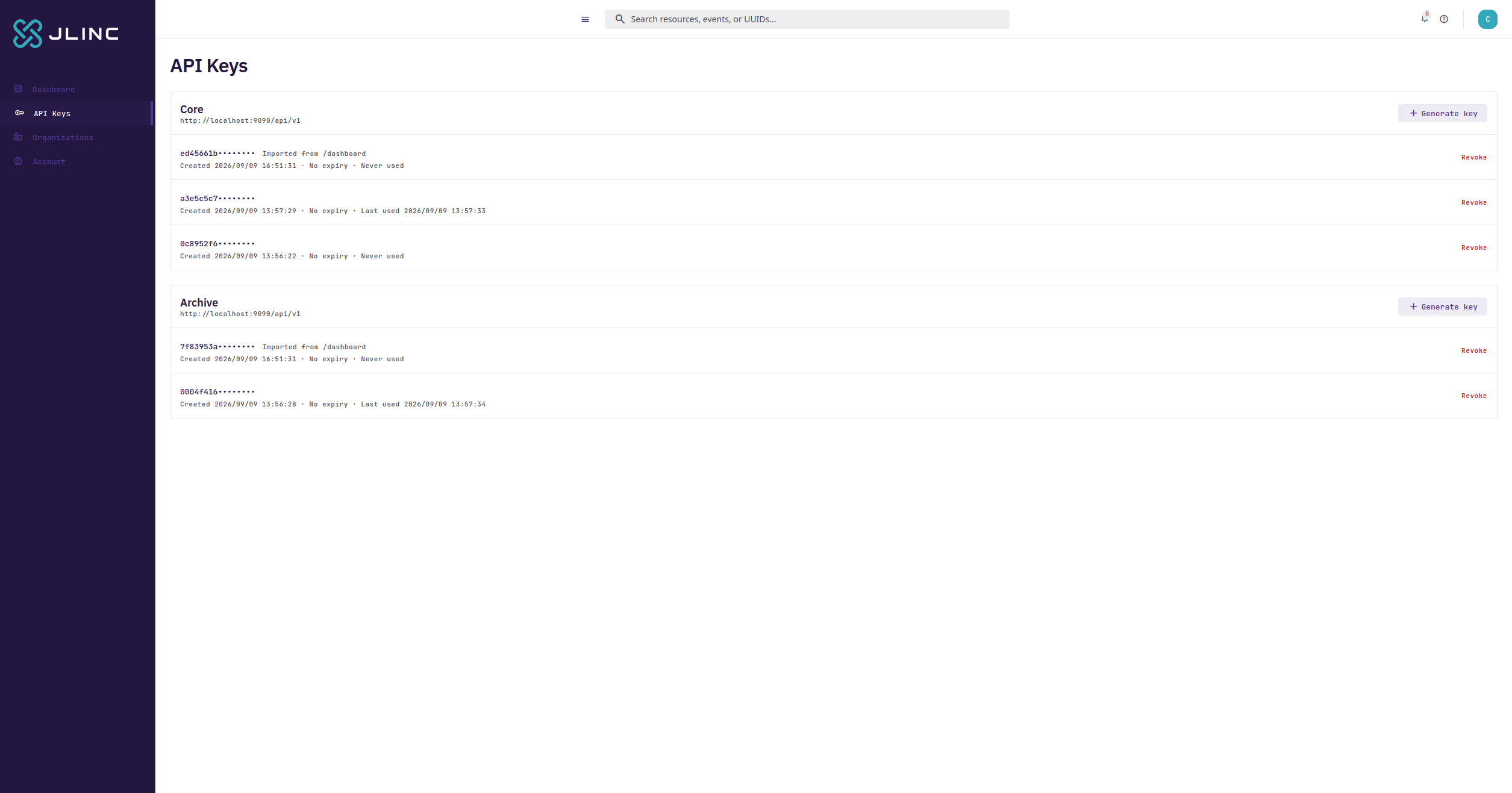
But first, you'll want to create API keys for use in your application. These will be leveraged when following our usage guide. To do this, go to API Keys in the left-hand navigation, and create keys for both Core and Archive services. In a typical configuration, you would use a Core API key locally to keep your data private, and an Archive API key with a Zero-knowledge Third-party Archiver, such as in our cloud service.